Clean Hard Drive
A downloadable tool for Windows
Clean Hard Drive v2.0 is a desktop utility designed to help users analyze, manage, and clean unnecessary files from storage drives.
It focuses on improving disk space usage, reducing clutter, and providing safe recovery options in case files are removed by mistake.
The application is designed to be fast, lightweight, and fully offline.
-----------------------------------
MAIN FEATURES
-------------
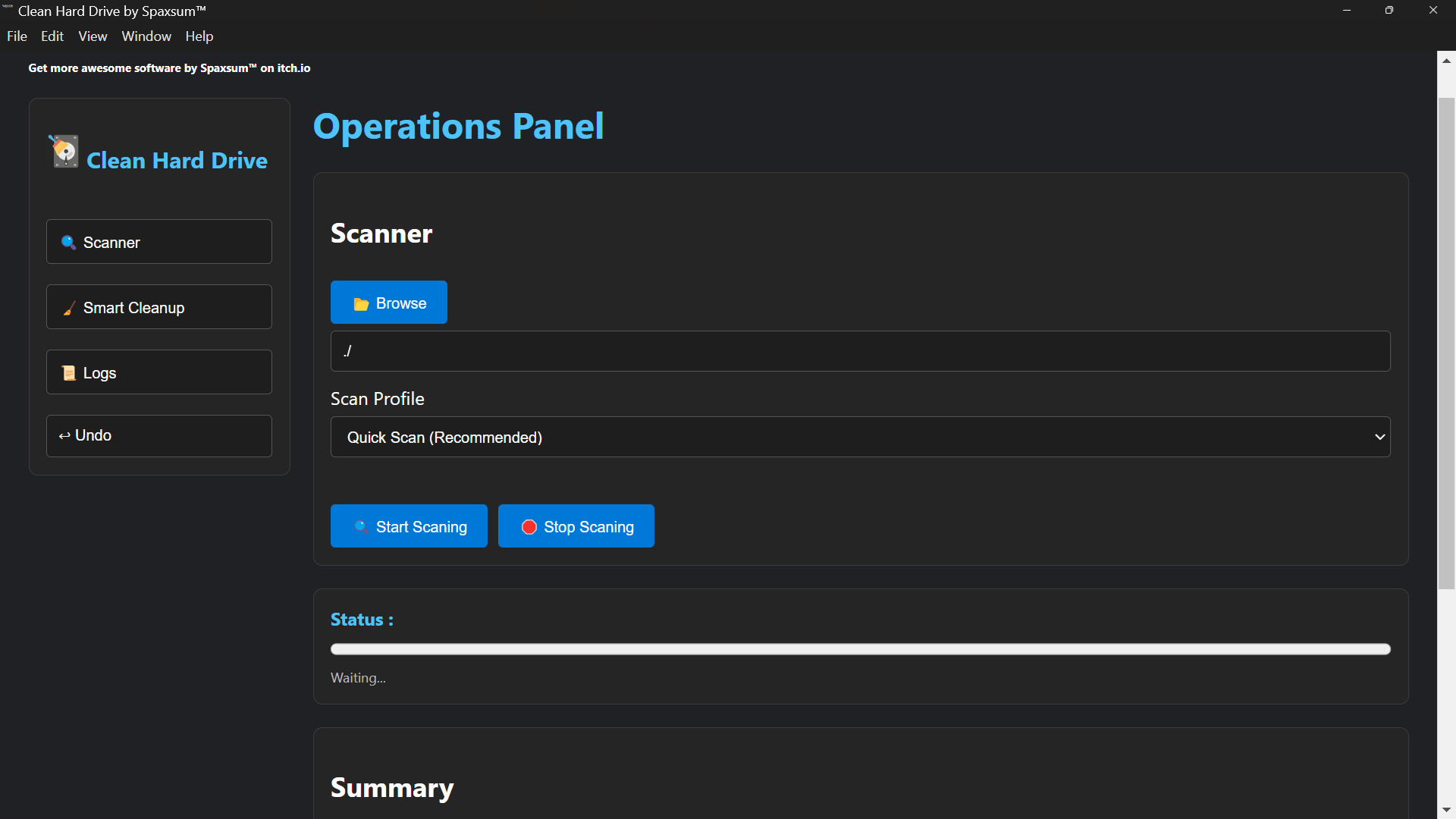
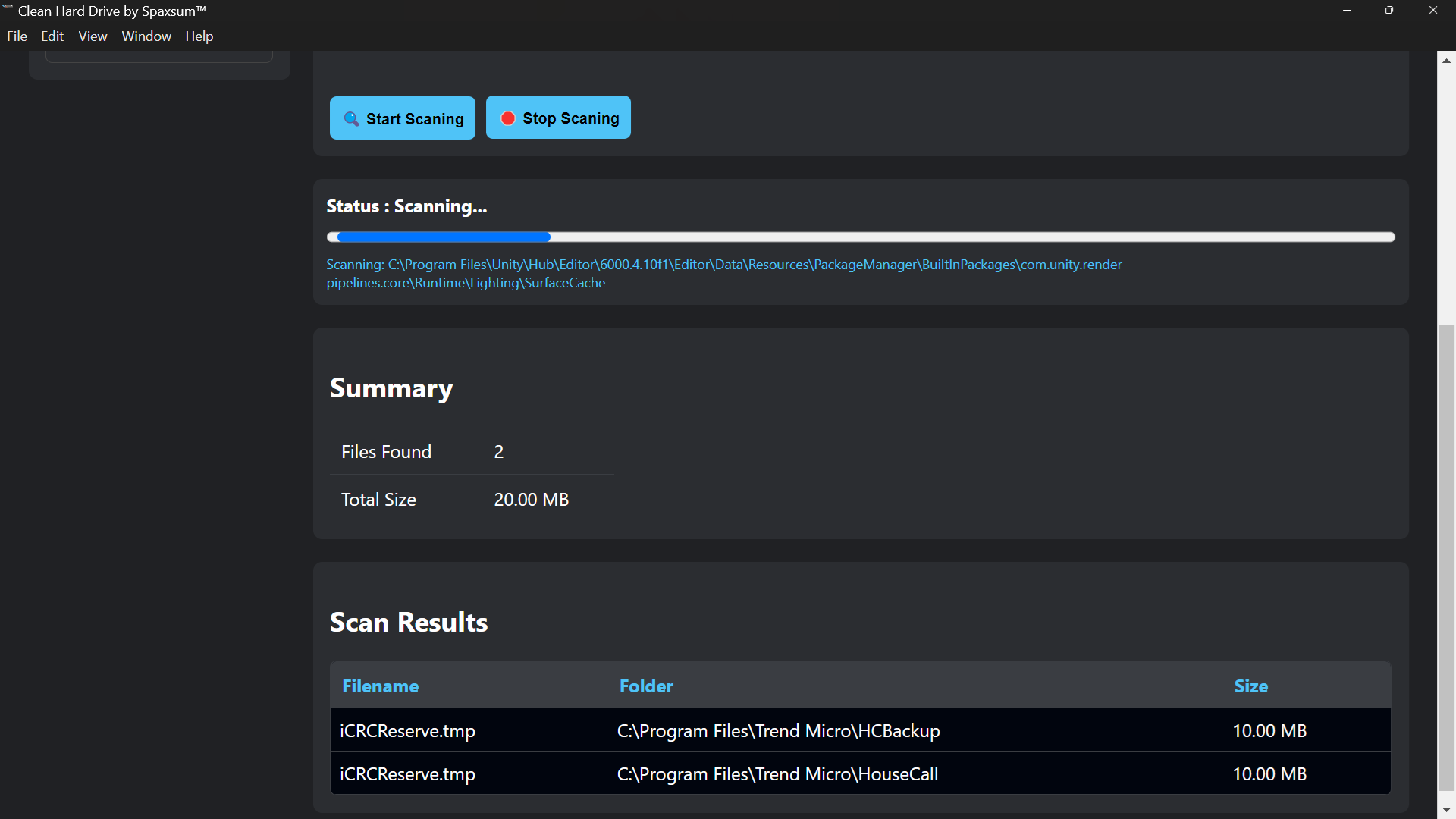
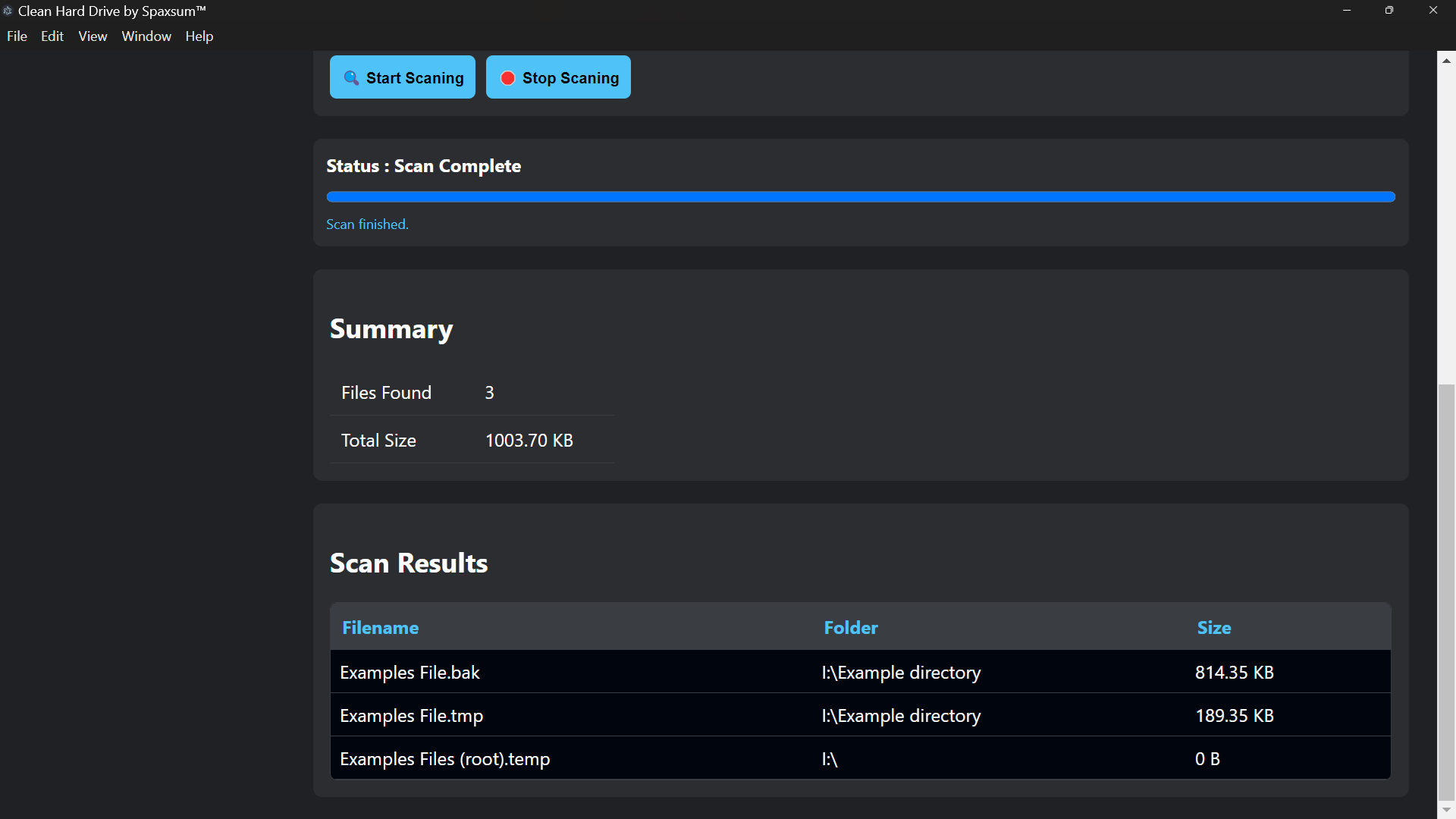
🔍 Scanner
- Scans selected folders or drives
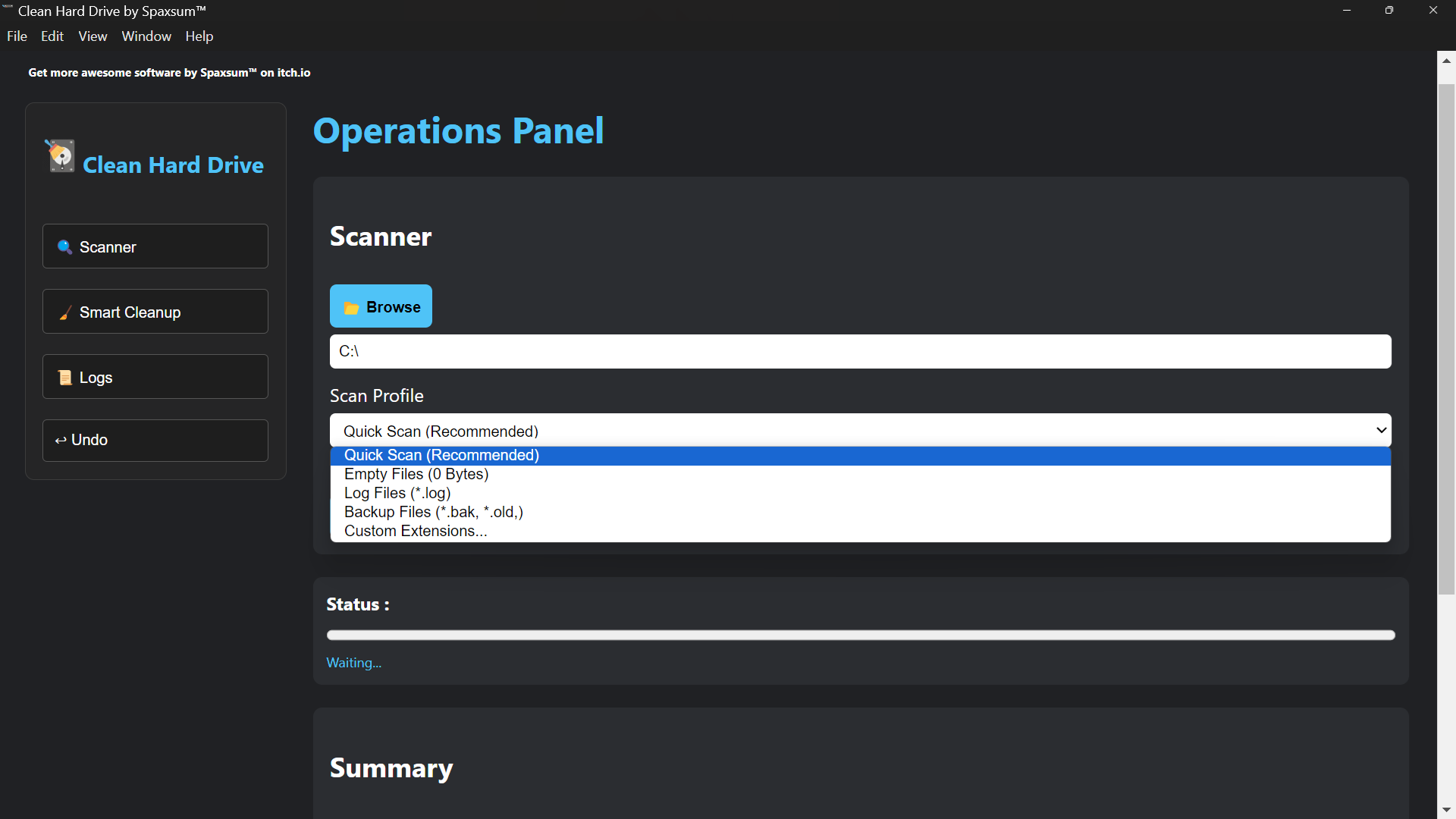
- Detects unnecessary files based on scan profiles
- Supports custom filtering (extensions, empty files, temporary files, backups)
- Displays results in a structured table view
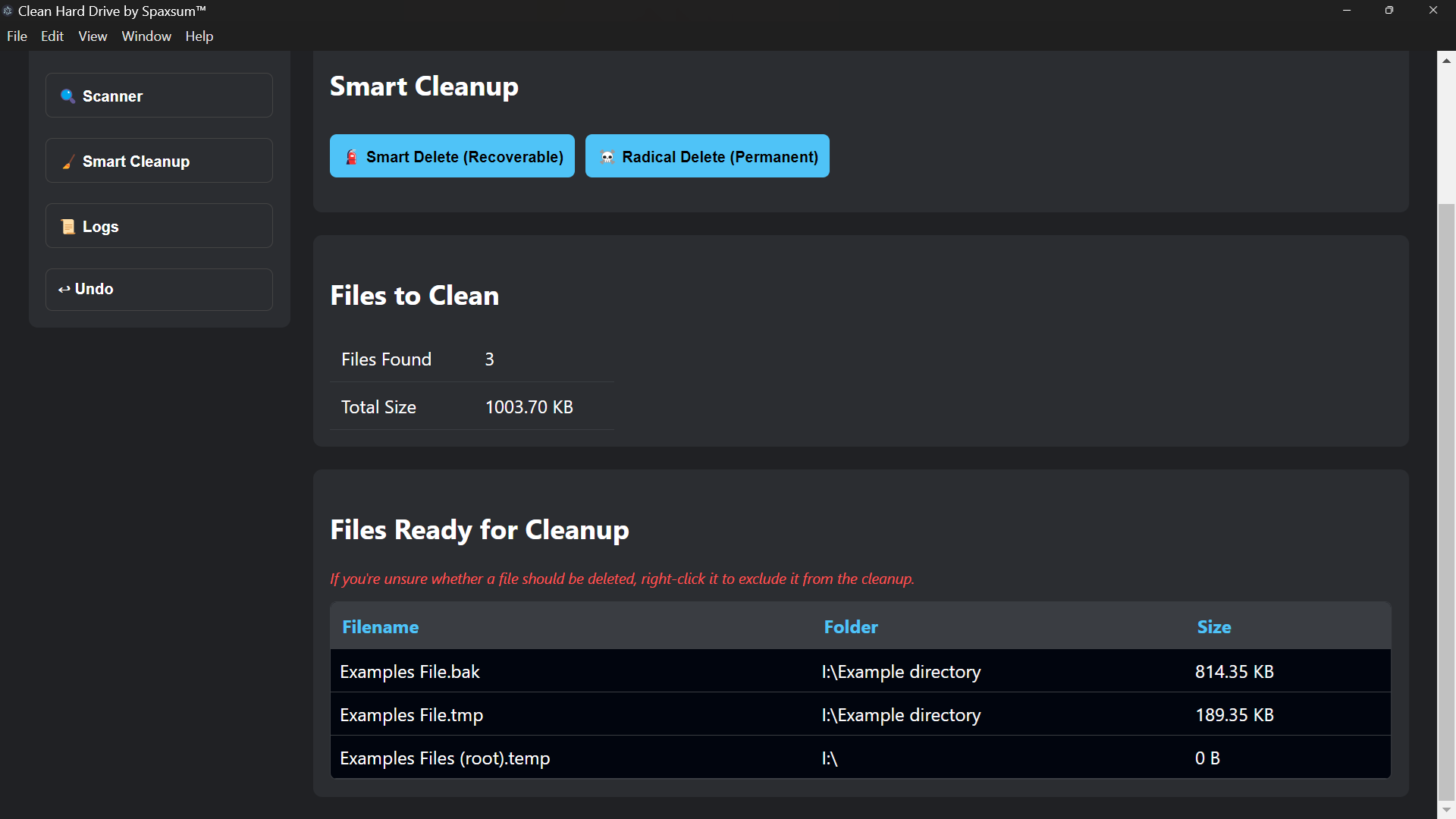
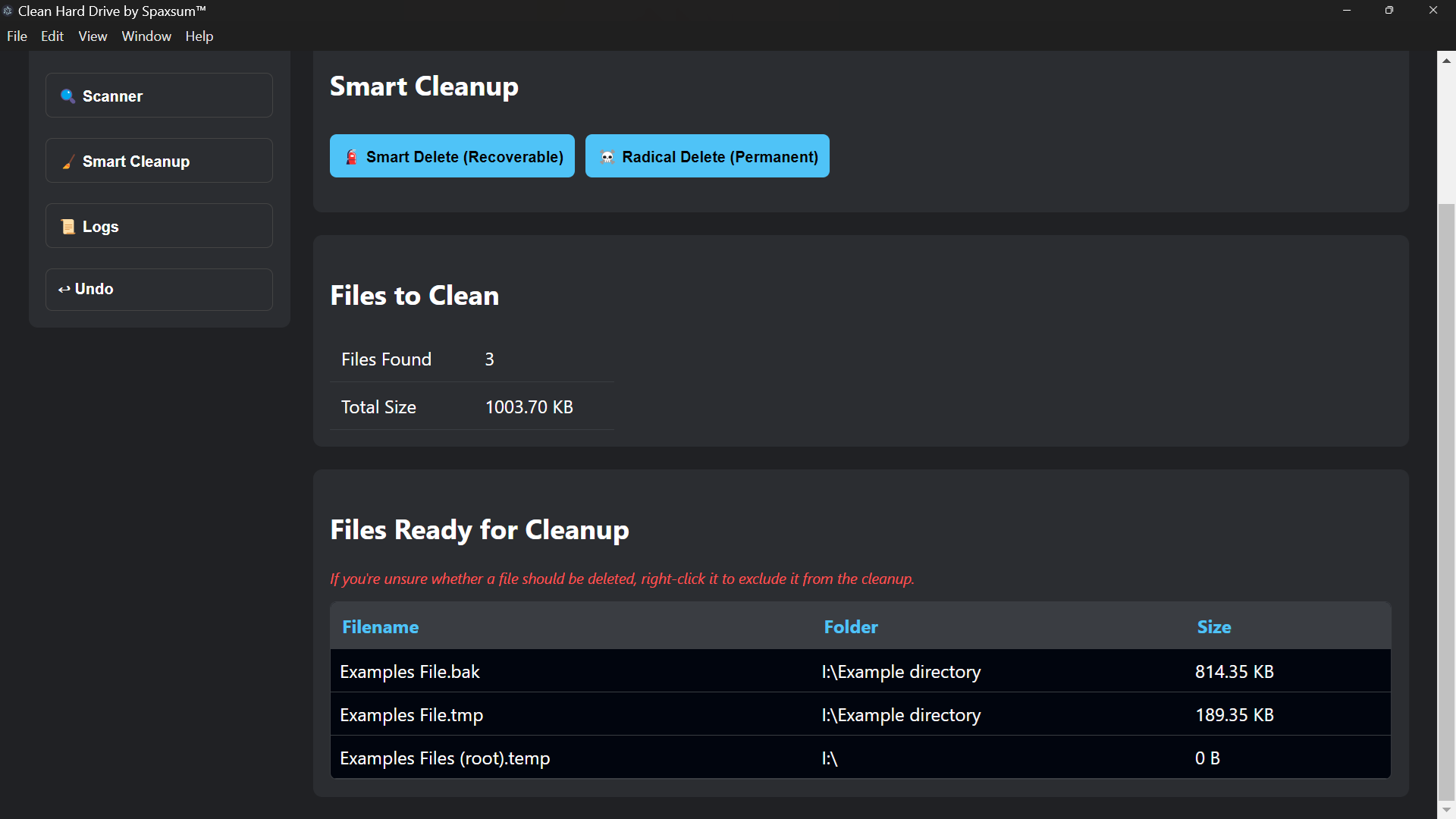
🧹 Smart Cleanup (Safe Mode)
- Moves selected files into a recoverable quarantine system
- Files are NOT permanently deleted
- Allows full restoration later using the Recovery System
☠️ Radical Cleanup (Advanced Mode)
- Permanently deletes selected files
- Intended for experienced users
- No recovery possible after execution
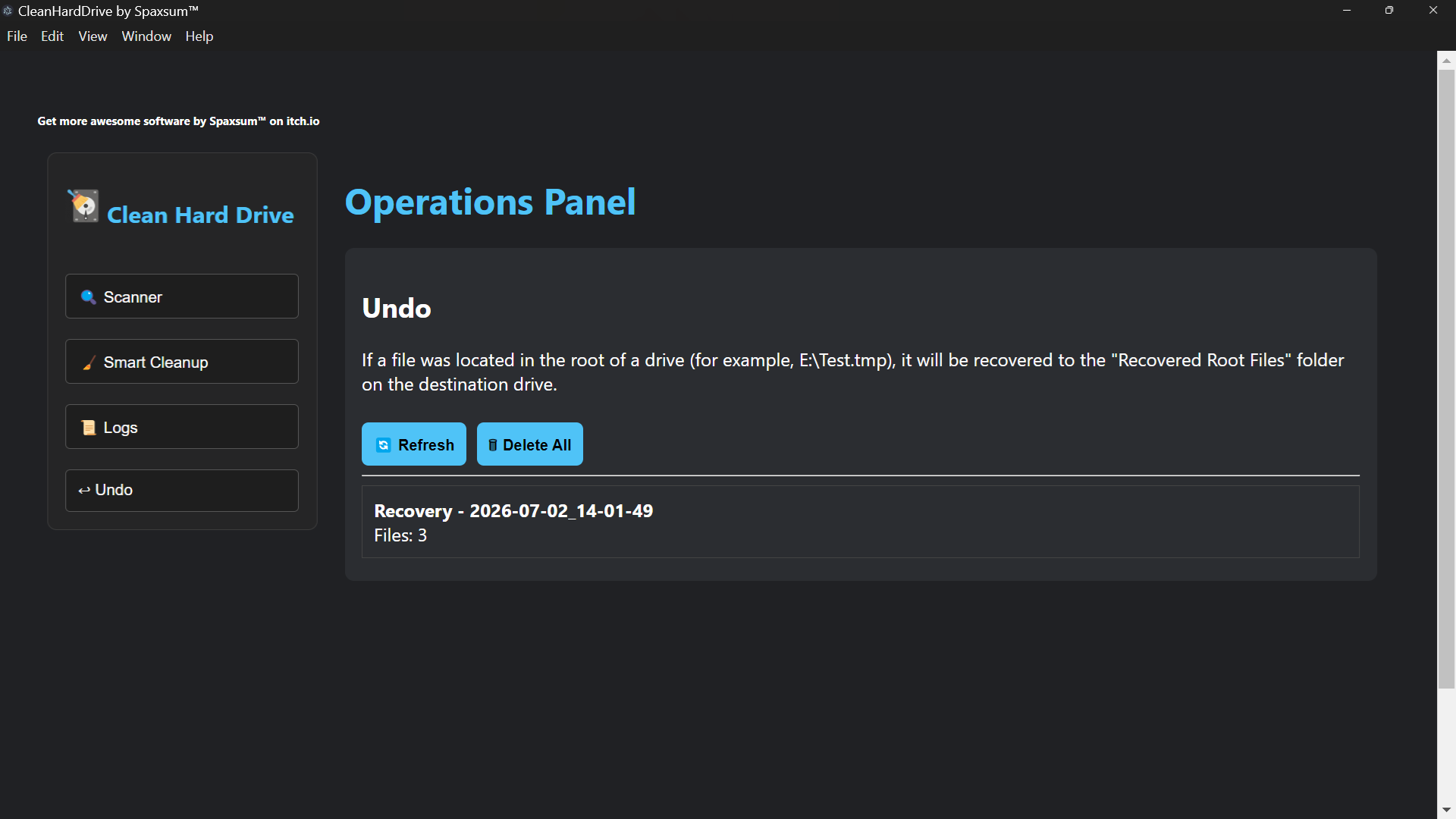
↩ Recovery System
- Restores files removed using Smart Cleanup
- Uses metadata tracking to reconstruct original file paths
- Supports bulk restoration and folder-based recovery entries
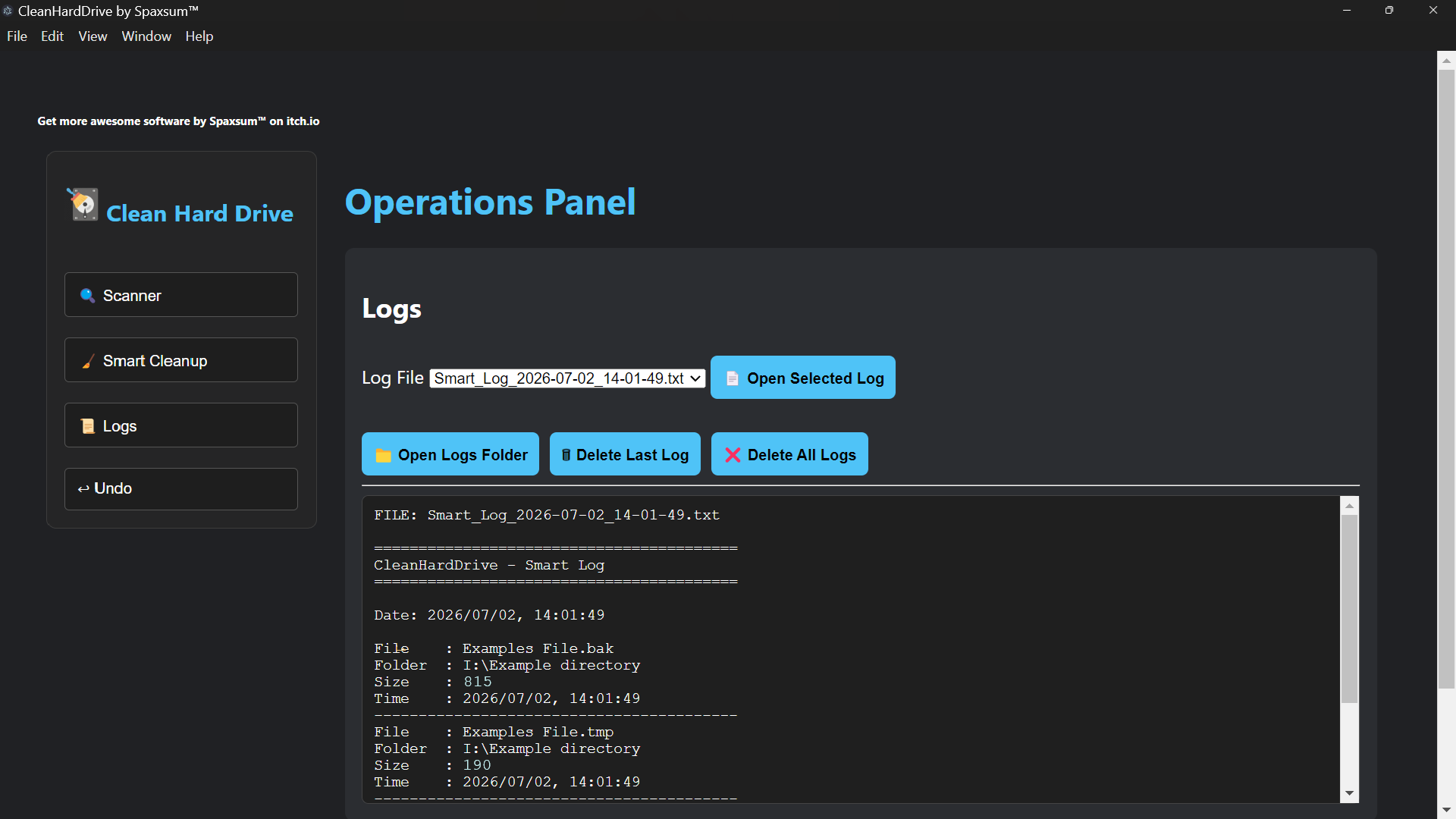
📜 Log System
- Records all scan and cleanup operations
- Stores timestamped log files in a dedicated directory
- Allows in-app viewing of logs
- Supports deletion of single or all logs
- Provides full transparency of system actions
📂 File Management Tools
- Open logs directory directly from the application
- View and manage recovery folders
- Select and inspect files without leaving the application
⚙ System Protection
- Automatically ignores critical system directories such as:
- $RECYCLE.BIN
- System Volume Information
- Windows system and update folders
This ensures system stability and prevents accidental deletion of important OS files.
-----------------------------------
RECOVERY SYSTEM DETAILS
-----------------------
When using Smart Cleanup, files are moved into a structured recovery environment instead of being permanently deleted.
Each recovery entry contains:
- Original file name
- Original file path
- Timestamp of cleanup session
- Metadata file (metadata.json) for accurate restoration
This allows files to be restored to their original location whenever possible.
-----------------------------------
USER INTERFACE
--------------
The application is organized into tabs for easy navigation:
- Scanner: File scanning and filtering tools
- Smart Cleanup: Safe file removal and quarantine system
- Logs: View and manage all system logs
- Undo (Recovery): Restore previously cleaned files
Each tab is designed for fast access and minimal user complexity.
Download
Install instructions
Download and extract Clean Hard Drive Setup 2.0.0.zip or Clean Hard Drive Setup 2.0.0.rar. Install using Clean Hard Drive Setup 2.0.0..exe. The program will open, and a shortcut will be placed on your desktop.
Development log
- Clean Hard Drive54 days ago
Leave a comment
Log in with itch.io to leave a comment.