File Name Cleaner
A downloadable tool for Windows
File Name Cleaner v1.0
=================
Purpose:
Batch rename files by removing unwanted phrases.
Examples:
Before:
--------------------------------
Soul Asylum - Runaway Train (Official Video).mp4
Sinéad O'Connor - Nothing Compares 2 U (Official Music Video).mp4
--------------------------------
After:
--------------------------------
Soul Asylum - Runaway Train.mp4
Sinéad O'Connor - Nothing Compares 2 U.mp4
--------------------------------
FEATURES
========
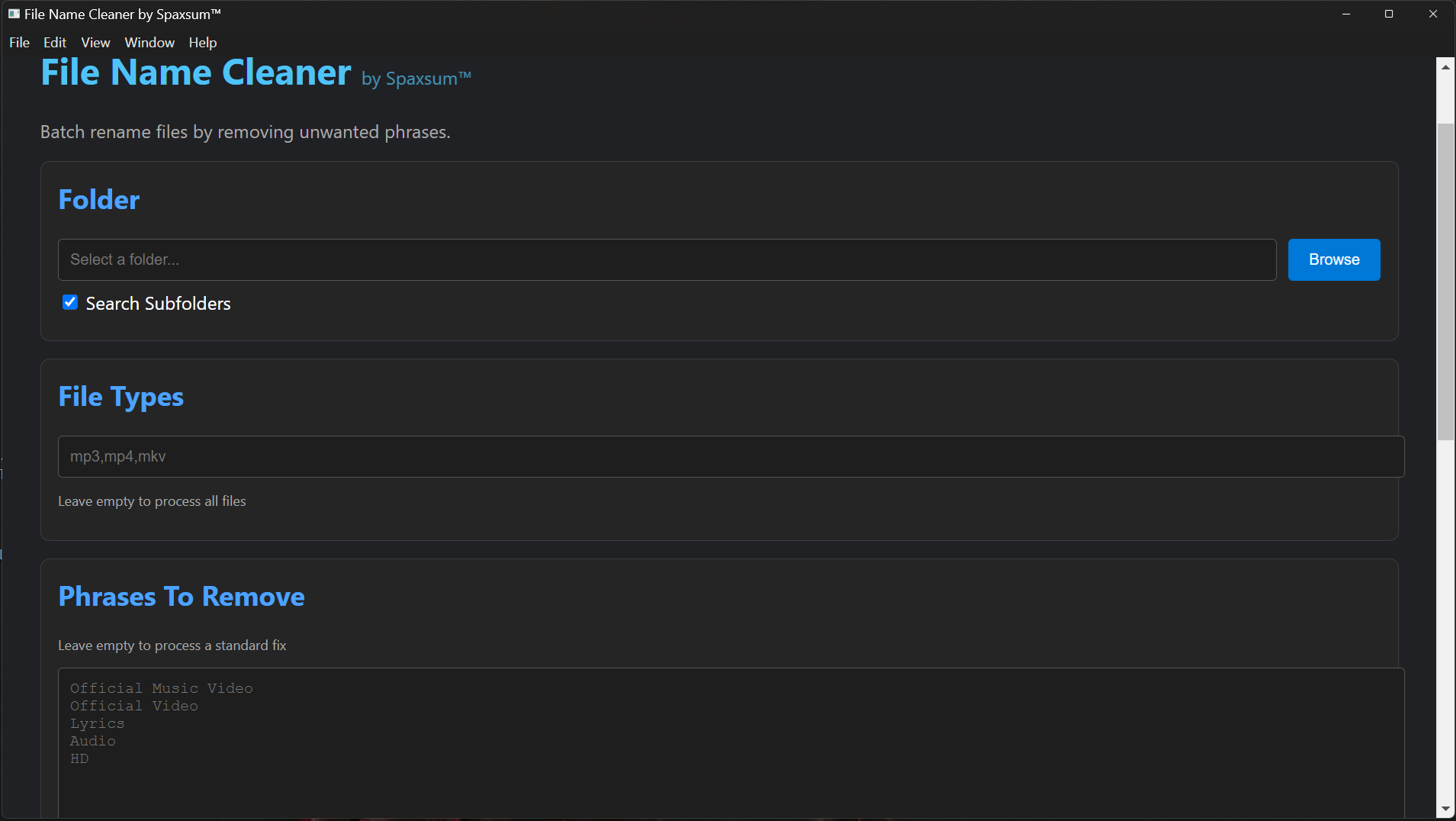
✓ Browse for folder
✓ Search subfolders
✓ File extension filter
✓ Remove phrases
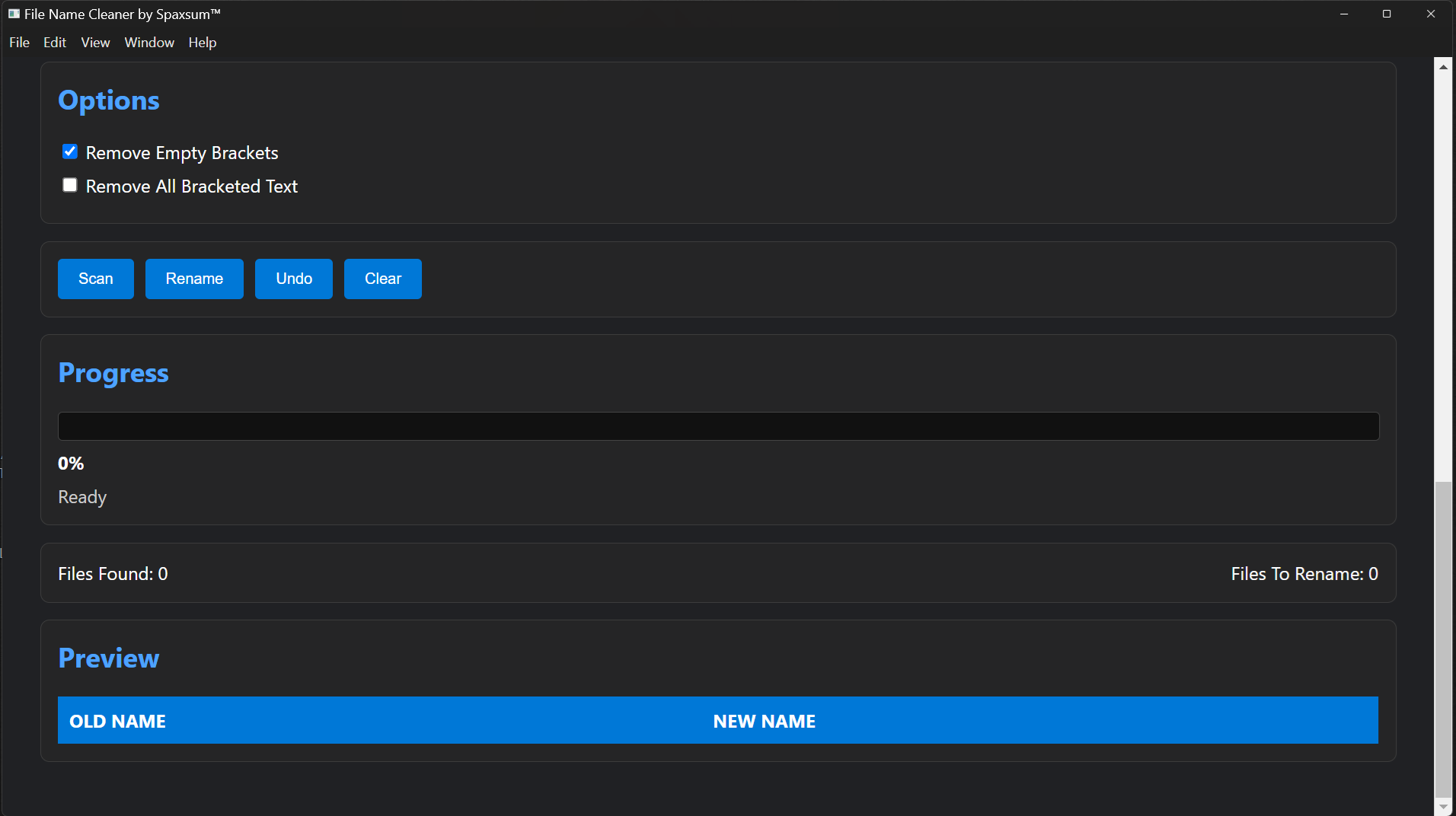
✓ Remove empty brackets
✓ Optional remove all bracketed text
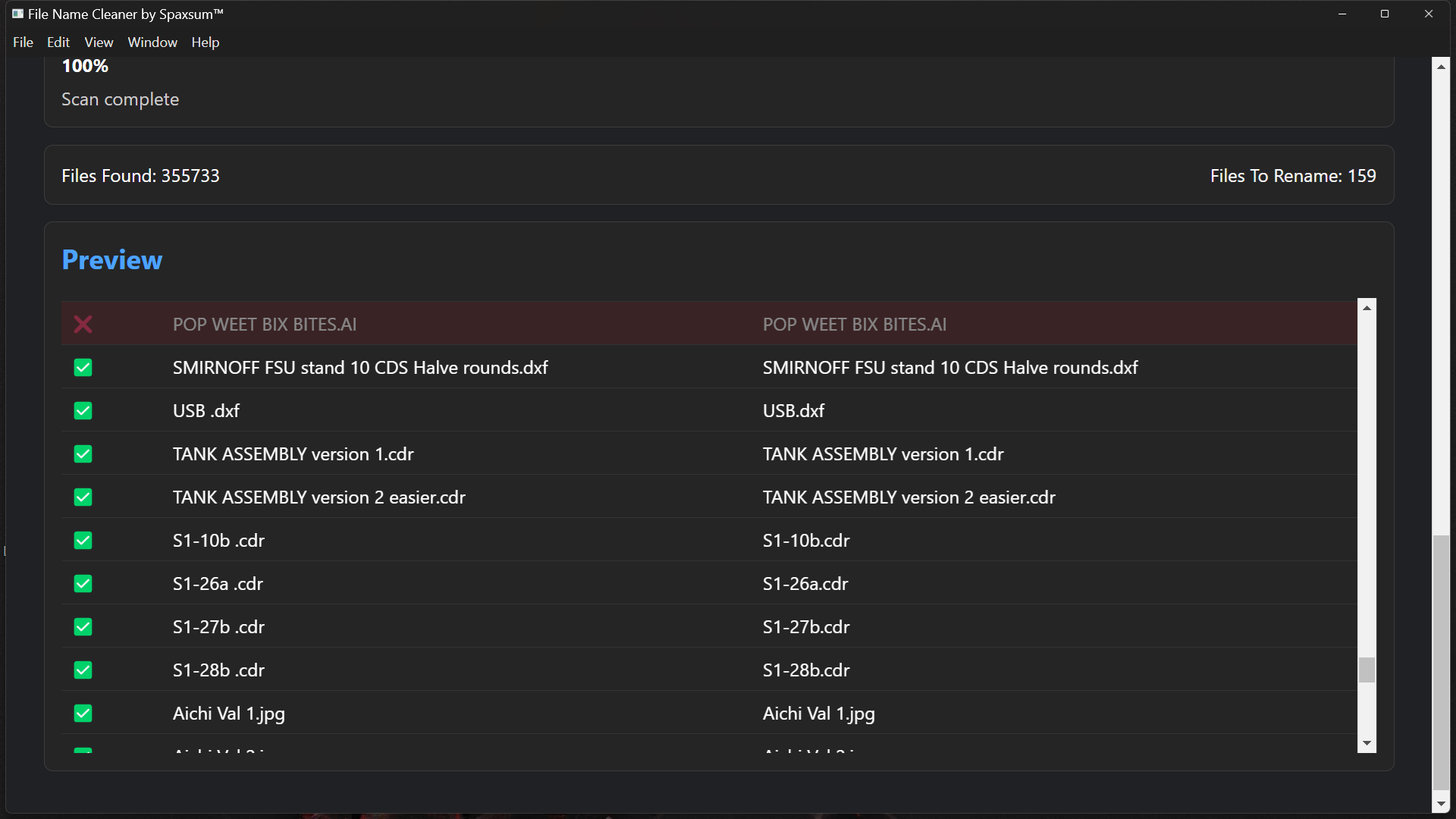
✓ Preview changes
✓ Professional table view
✓ Progress bar
✓ Status messages
✓ Rename files
✓ Undo rename operation
✓ Duplicate filename protection
✓ Save settings automatically
SUPPORTED FILE TYPES
====================
Works with any filename:
mp3, mp4, mkv, avi, mov, flac, wav, jpg, jpeg, png, gif, txt, pdf, docx, xlsx
Or any other file type.
HOW TO USE
==========
1. Select a folder.
2. Enter phrases to remove.
3. Configure options.
4. Click Scan.
5. Review preview table.
6. Click Rename.
7. If needed, click Undo.
NOTES
=====
* Protected Windows system folders are automatically skipped.
* Large folders and drives may take additional time to scan.
* Existing files are updated directly.
* File Types; Leave empty to process all files.
* Phrases To Remove; Leave empty to process a standard fix.
* Not all scanned files are listed, only those files that require modification.
Download
Install instructions
Download and extract FileNameCleaner_1.0.0.zip or FileNameCleaner_1.0.0.rar. Install using File Name Cleaner Setup 1.0.0.exe. The program will open, and a shortcut will be placed on your desktop.
Leave a comment
Log in with itch.io to leave a comment.