File Finder Tool
A downloadable tool for Windows
File Finder Tool v2.0 is a lightweight Electron desktop application designed to scan, locate, and manage files quickly inside any selected directory.
It replaces slow manual searching with a fast, real-time scanning engine and allows users to select, open, and manage files directly from the interface.
The tool is fully offline and runs locally on your machine.
-----------------------------------
MAIN FEATURES
-------------
- Fast recursive file scanning with real-time results
- Folder selection via native system dialog
- File filtering by name or extension patterns
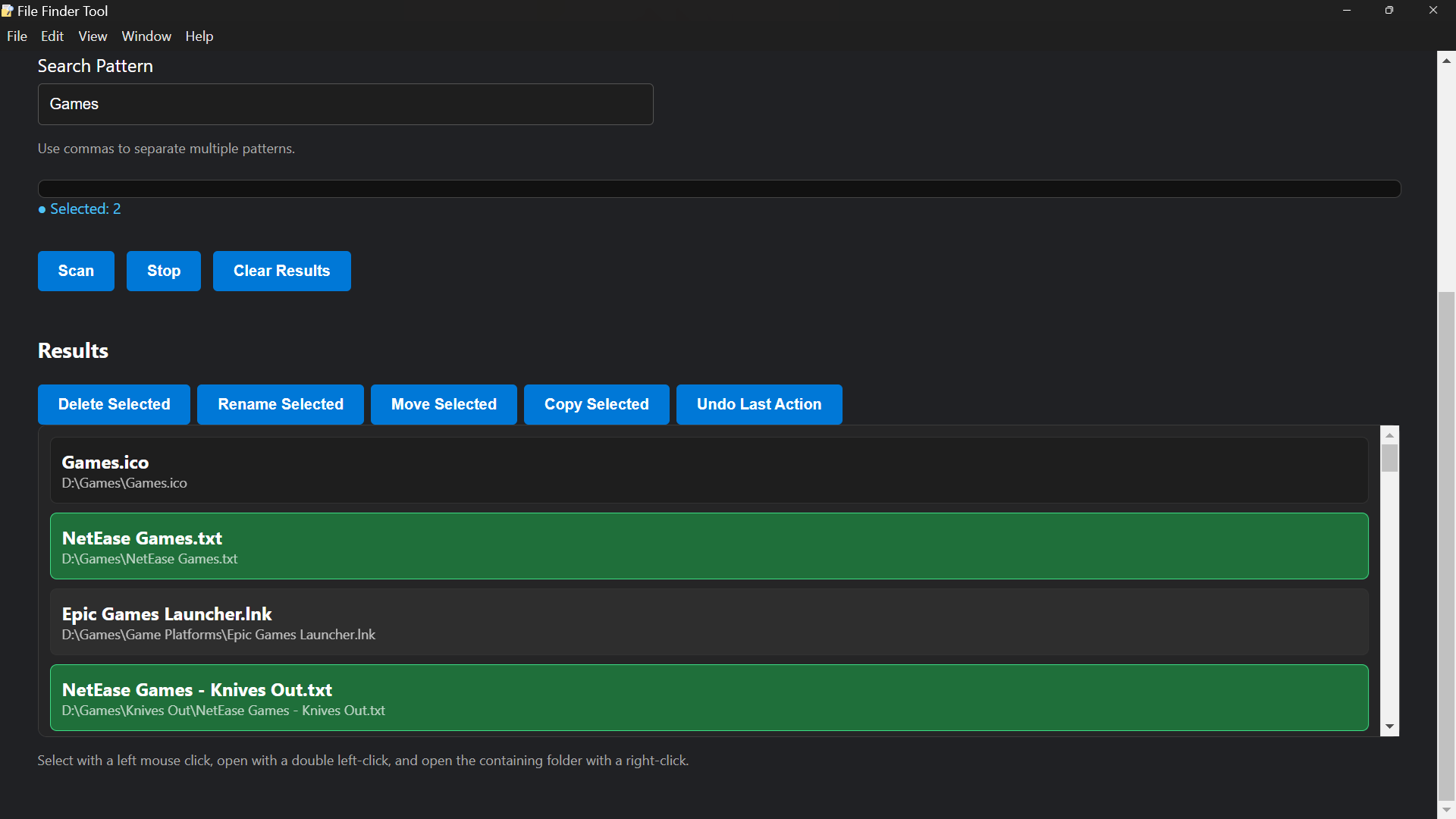
- Click-to-select multiple files
- Double-click to open files instantly
- Right-click to open file location in system explorer
- Batch actions (Delete, Rename, Move, Copy)
- Undo system for last operations
- Smooth rendering engine (prevents UI freezing)
- System folder skipping for performance and safety
- Live scan progress updates
-----------------------------------
PERFORMANCE SYSTEM DETAILS
--------------------------
The scanning engine uses a queue-based architecture instead of recursive blocking calls.
This prevents UI freezing when scanning large directories.
Key optimizations:
- System folders are automatically skipped
- Symbolic links are ignored
- Batch rendering prevents DOM overload
- Incremental progress updates are sent to UI
- Safe asynchronous file operations using Electron IPC
-----------------------------------
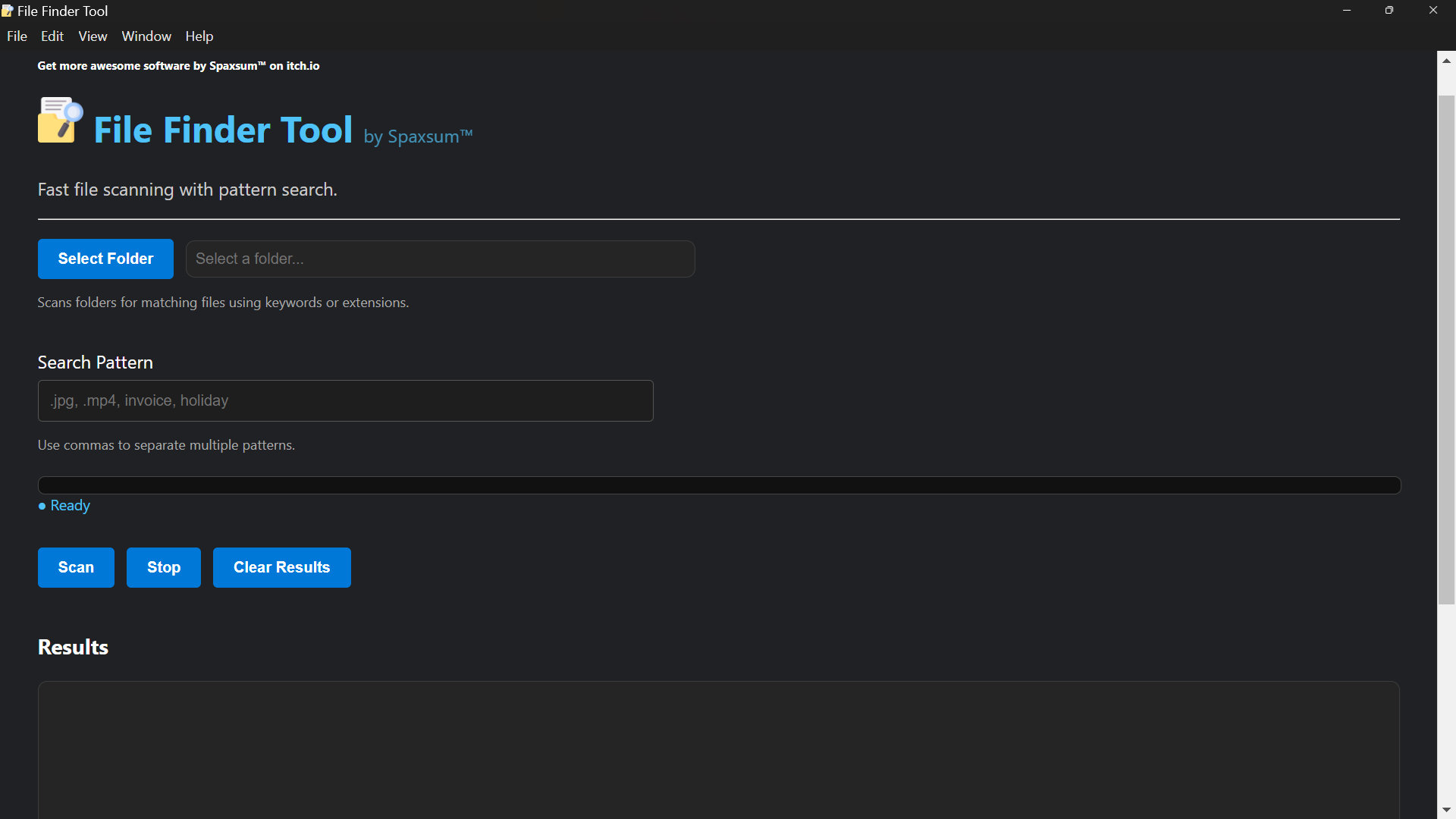
USER INTERFACE
--------------
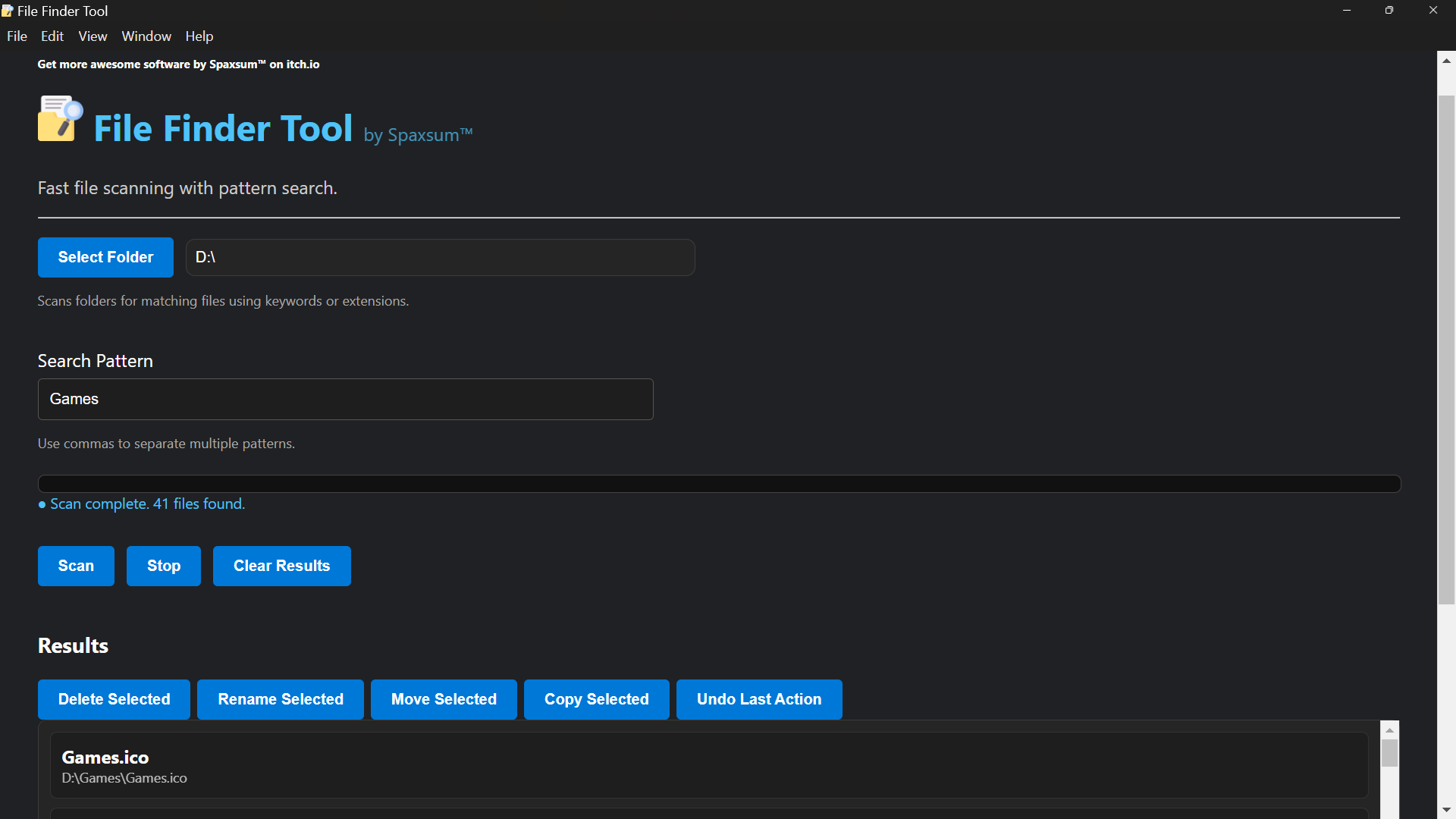
The interface is divided into clear functional panels:
- Folder Selection Panel
Choose the directory to scan
- Search Panel
Enter file name patterns or extensions
- Results Panel
Displays live scanning results in scrollable view
- Action Panel
Appears when files are selected:
- Delete Selected
- Rename Selected
- Move Selected
- Copy Selected
- Undo Last Action
The UI is designed to behave like a desktop file explorer with dark theme styling and smooth interaction.
-----------------------------------
RECOVERY SYSTEM DETAILS
-----------------------
All destructive operations (delete, move, rename) are tracked in an internal action history system.
This allows users to undo the last batch operation safely.
Undo support includes:
- File restore after deletion
- Path rollback after move
- Original name restoration after rename
Note: Only the last action batch can be restored.
Download
Install instructions
Download and extract File Finder Tool 2.0.0..zip or File Finder Tool 2.0.0..rar. Install using File Finder Tool 2.0.0..exe. The program will open, and a shortcut will be placed on your desktop.
Leave a comment
Log in with itch.io to leave a comment.