File Name Cleaner
A downloadable tool for Windows
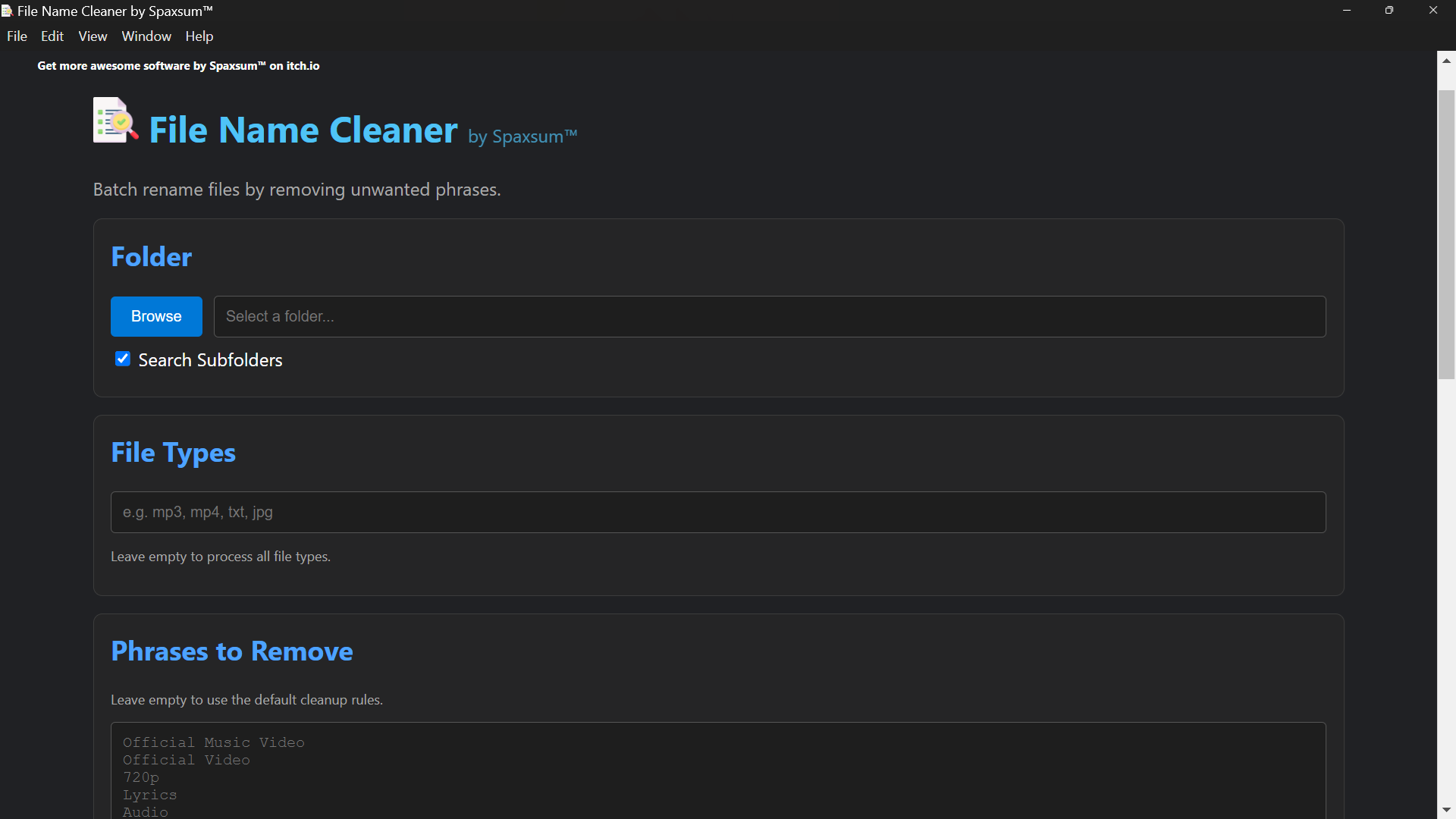
File Name Cleaner is a desktop automation tool for batch renaming files by removing unwanted phrases, cleaning filenames, and standardizing file naming structures.
It is designed for large folders, media libraries, and general file organization.
🧠 Example
Before:
Soul Asylum - Runaway Train (Official Video).mp4
Sinéad O'Connor - Nothing Compares 2 U (Official Music Video).mp4
After:
Soul Asylum - Runaway Train.mp4
Sinéad O'Connor - Nothing Compares 2 U.mp4
✨ FEATURES
✓ Folder browser
✓ Recursive subfolder scanning
✓ File type filtering
✓ Phrase removal system
✓ Remove empty brackets
✓ Remove all bracketed text (optional)
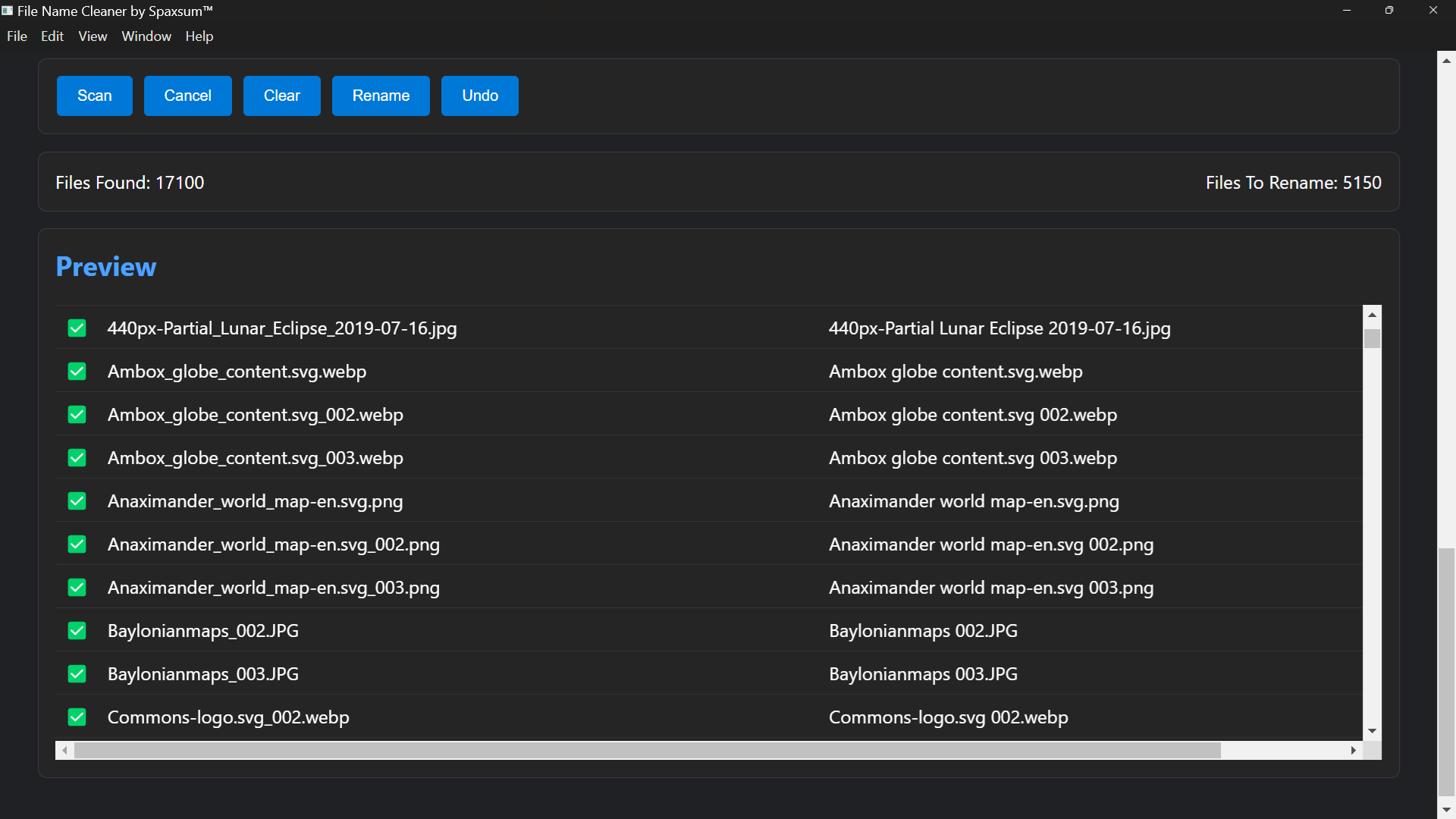
✓ Replace underscores with spaces
✓ Normalize multiple spaces
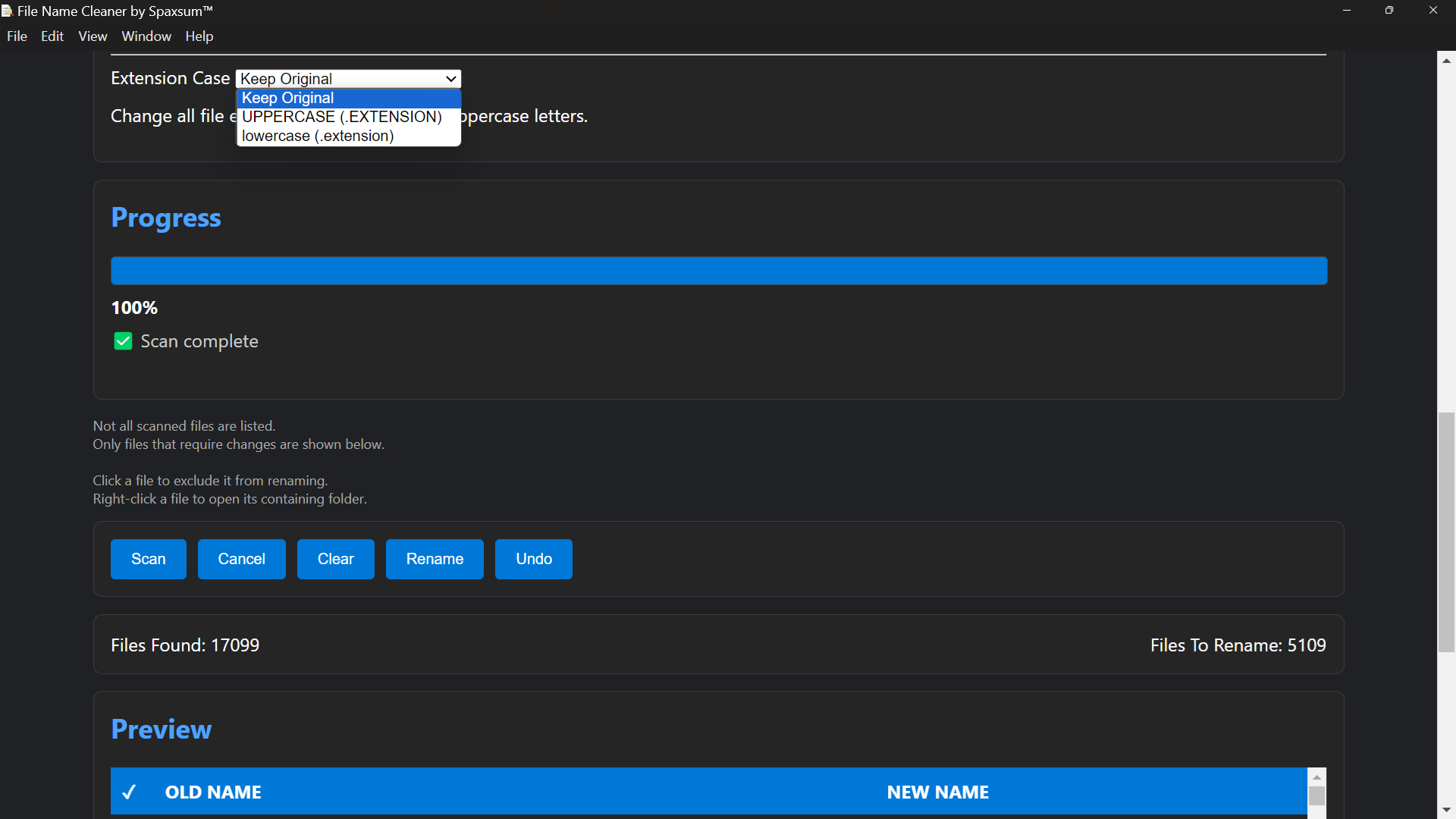
✓ Live scan progress tracking
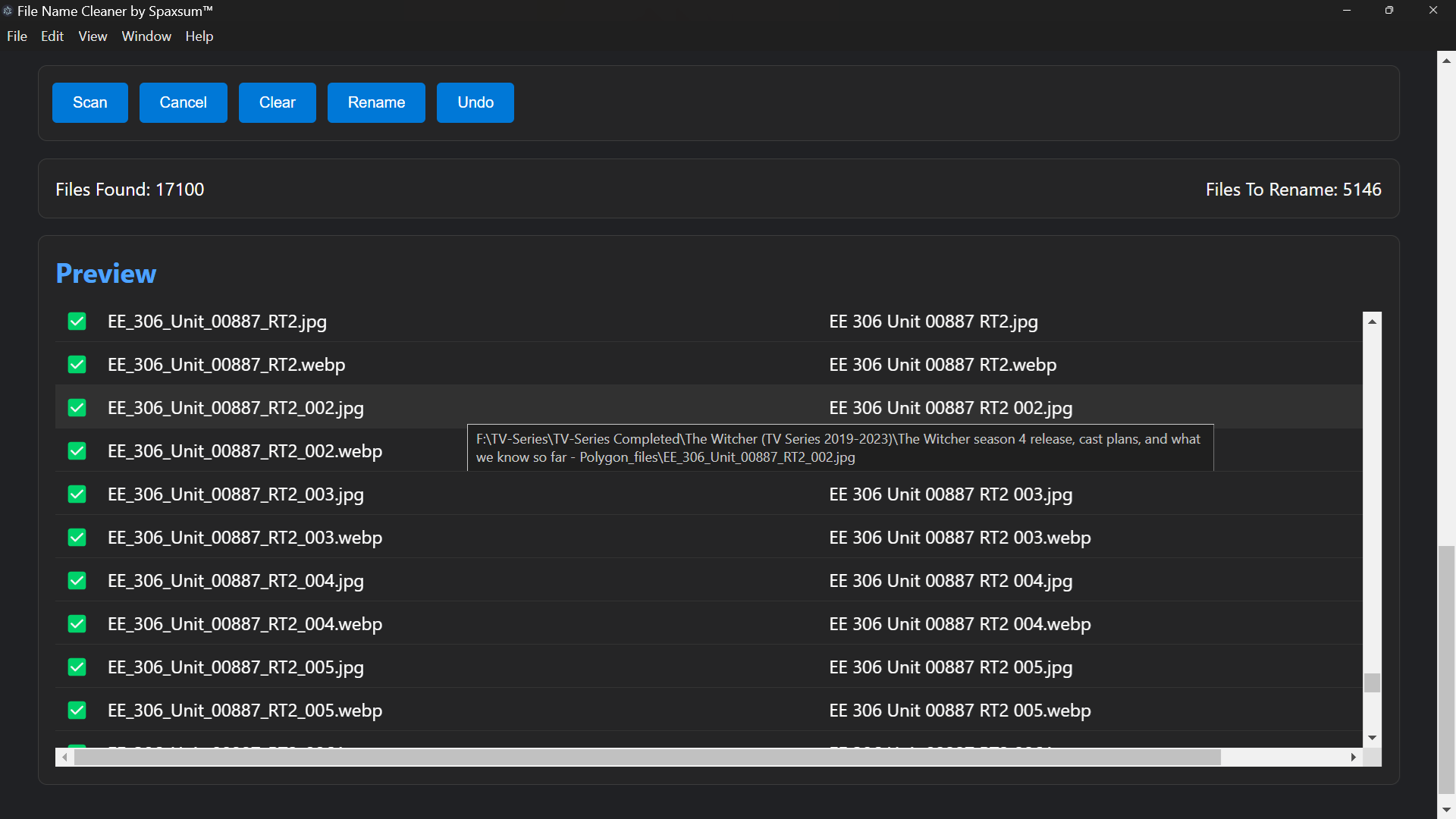
✓ File preview before changes
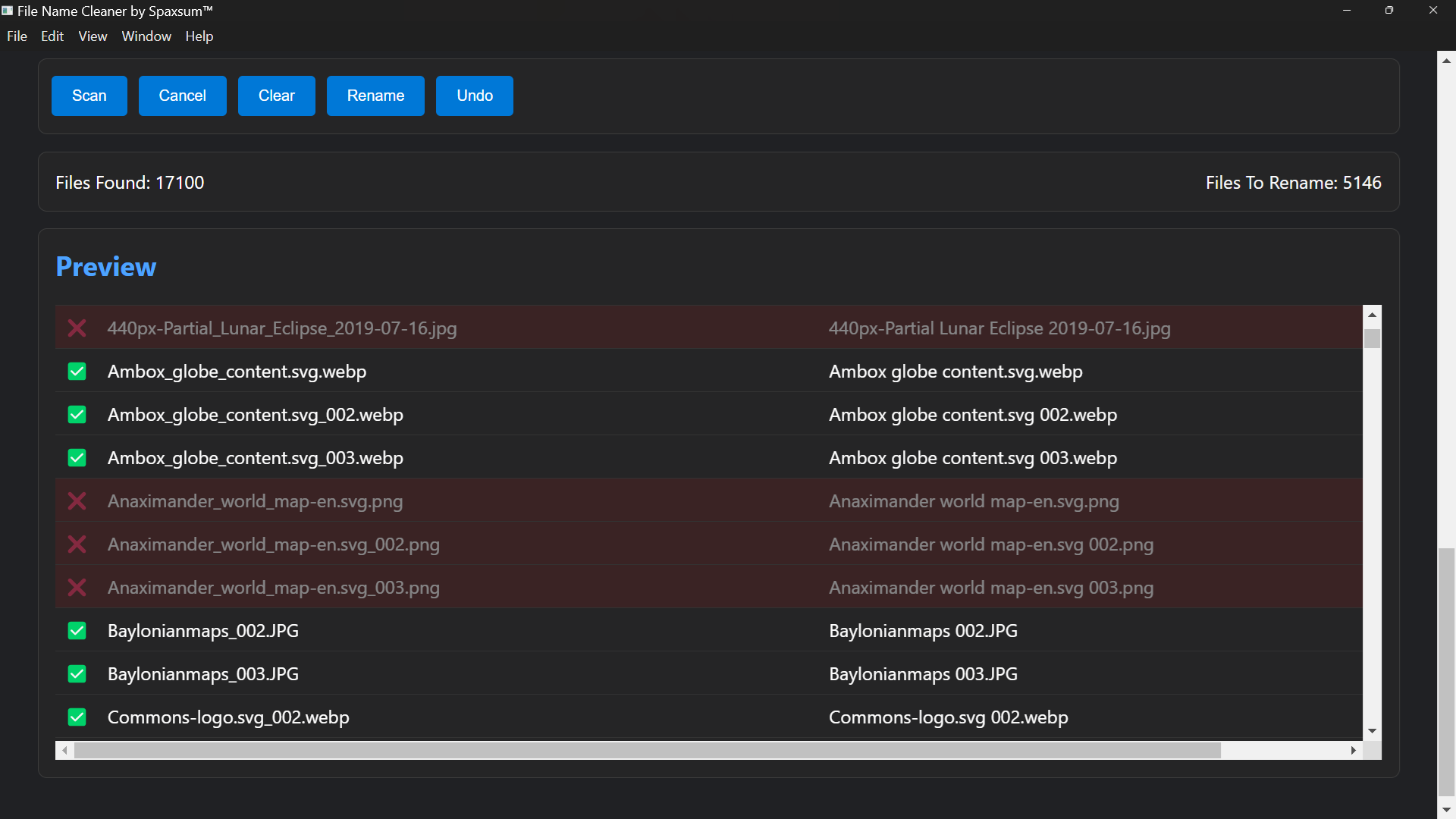
✓ Click-to-exclude files from rename
✓ Batch rename system
✓ Undo last rename operation
✓ Collision-safe renaming (no overwrites)
✓ Auto-save settings
✓ Real-time status updates
🆕 NEW INTEGRATED SYSTEM
🔗 Reuclu.exe (Legacy Tool Integration)
The old standalone tool Reuclc.exe / Reuclu system has now been fully integrated into the Electron application.
✔ No separate program required
✔ All functionality moved into Electron IPC system
✔ Faster execution and safer file handling
✔ Unified interface (single application only)
The previous CLI/utility version is no longer needed.
📦 SUPPORTED FILE TYPES
Works with virtually all file types:
mp3, mp4, mkv, avi, mov
flac, wav
jpg, jpeg, png, gif
txt, pdf
docx, xlsx
and more...
⚙️ HOW TO USE
Select a folder
Enter phrases to remove (optional)
Configure cleanup options
Click Scan
Review preview table
Click Rename
Use Undo if needed
🛡️ SAFETY FEATURES
System folders are automatically skipped
Duplicate filenames are automatically resolved
No overwriting of existing files
Preview required before rename
Undo system restores last batch
💡 NOTES
Large folders may take time to scan
Only files requiring changes appear in preview
File types can be filtered or left empty for all files
Settings are saved automatically
Download
Install instructions
Download and extract FileNameCleaner_1.0.0.zip or FileNameCleaner_1.0.0.rar. Install using File Name Cleaner Setup 1.0.0.exe. The program will open, and a shortcut will be placed on your desktop.
Development log
- File Name Cleaner53 days ago
Leave a comment
Log in with itch.io to leave a comment.