MP3 Metadata Fixer
A downloadable tool for Windows
MP3 Metadata Fixer v1.0
========================================
OVERVIEW
========
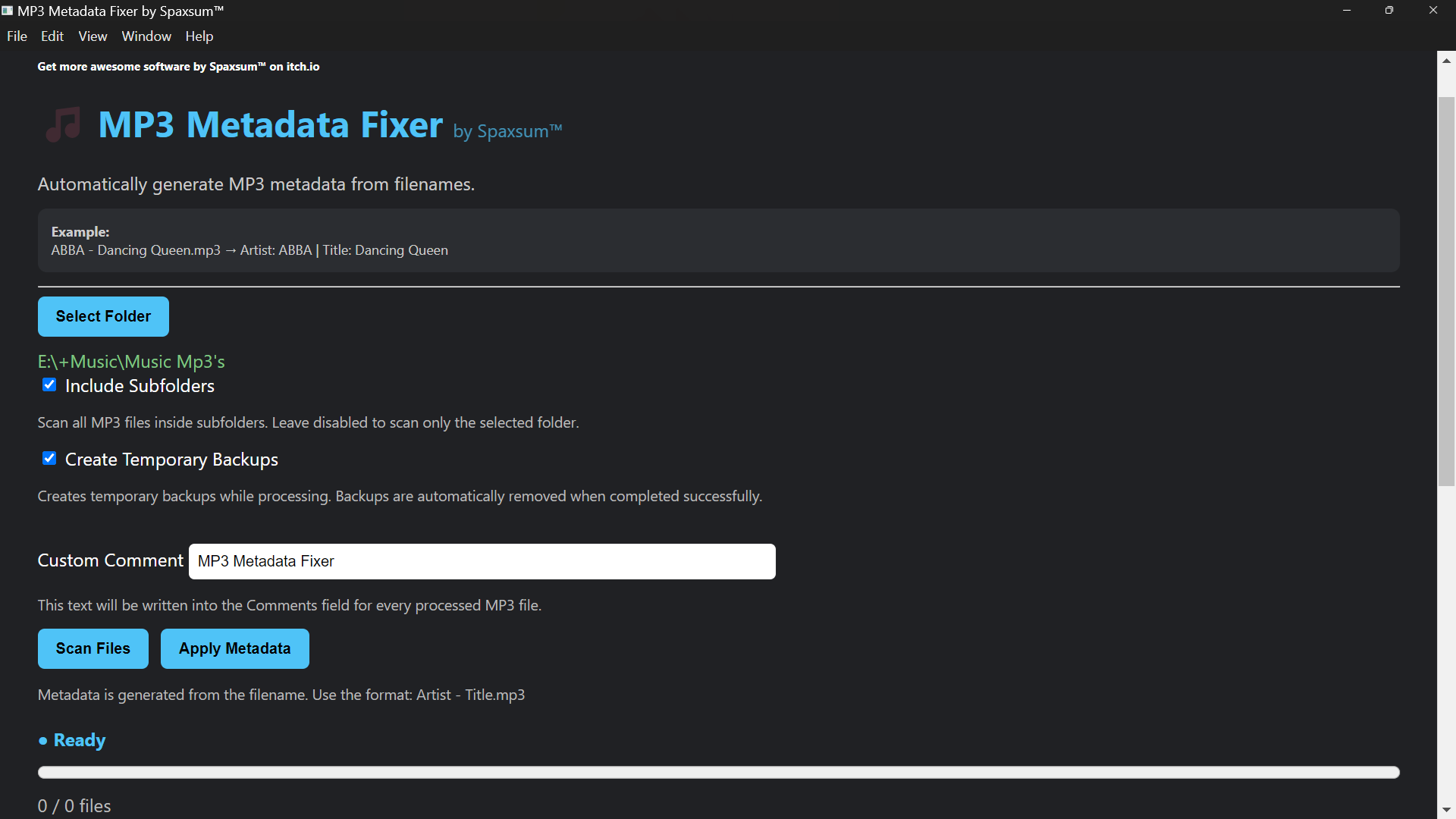
MP3 Metadata Fixer automatically generates MP3 metadata from filenames.
The application reads MP3 filenames and writes metadata tags such as:
* Artist
* Title
* Comment
This allows large music collections to be tagged automatically without editing files one by one.
========================================
FILENAME FORMAT
===============
The recommended filename format is:
Artist - Title.mp3
Example:
ABBA - Dancing Queen.mp3
Will become:
Artist: ABBA
Title: Dancing Queen
If no separator (" - ") is found, the entire filename will be used as the title.
Example:
Dancing Queen.mp3
Will become:
Artist: (empty)
Title: Dancing Queen
========================================
CUSTOM COMMENT
==============
The Custom Comment field allows the same text to be written to all processed files.
Examples:
My Music Collection
Spaxsum™ Archive
========================================
HOW TO USE
==========
1. Start the application.
2. Click "Select Folder".
3. Choose the folder containing your MP3 files.
4. Optional:
Enable "Include Subfolders" to scan all folders below the selected folder.
5. Optional:
Enable "Create Temporary Backups" for additional safety.
6. Enter a Custom Comment if desired.
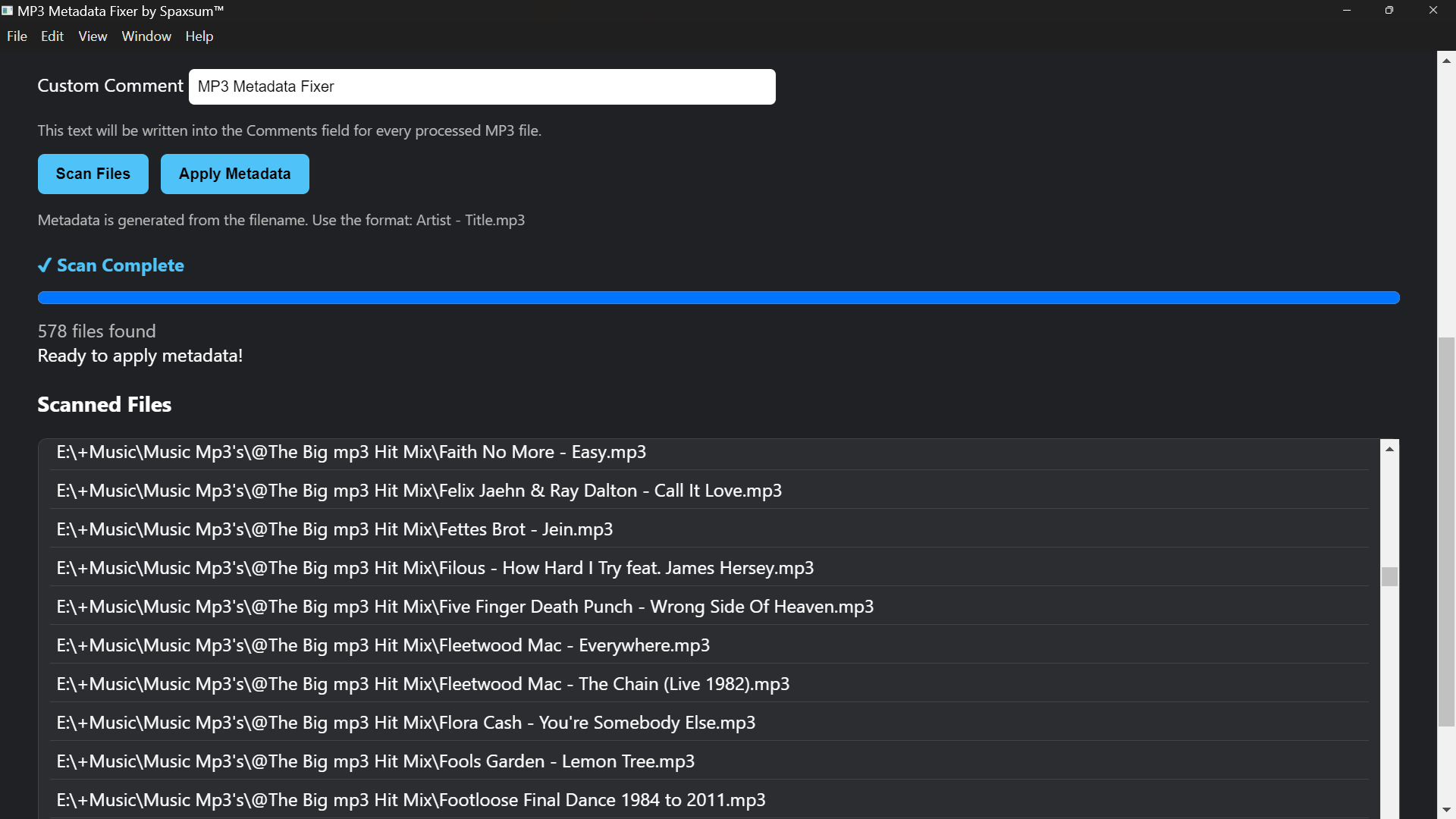
7. Click "Scan Files".
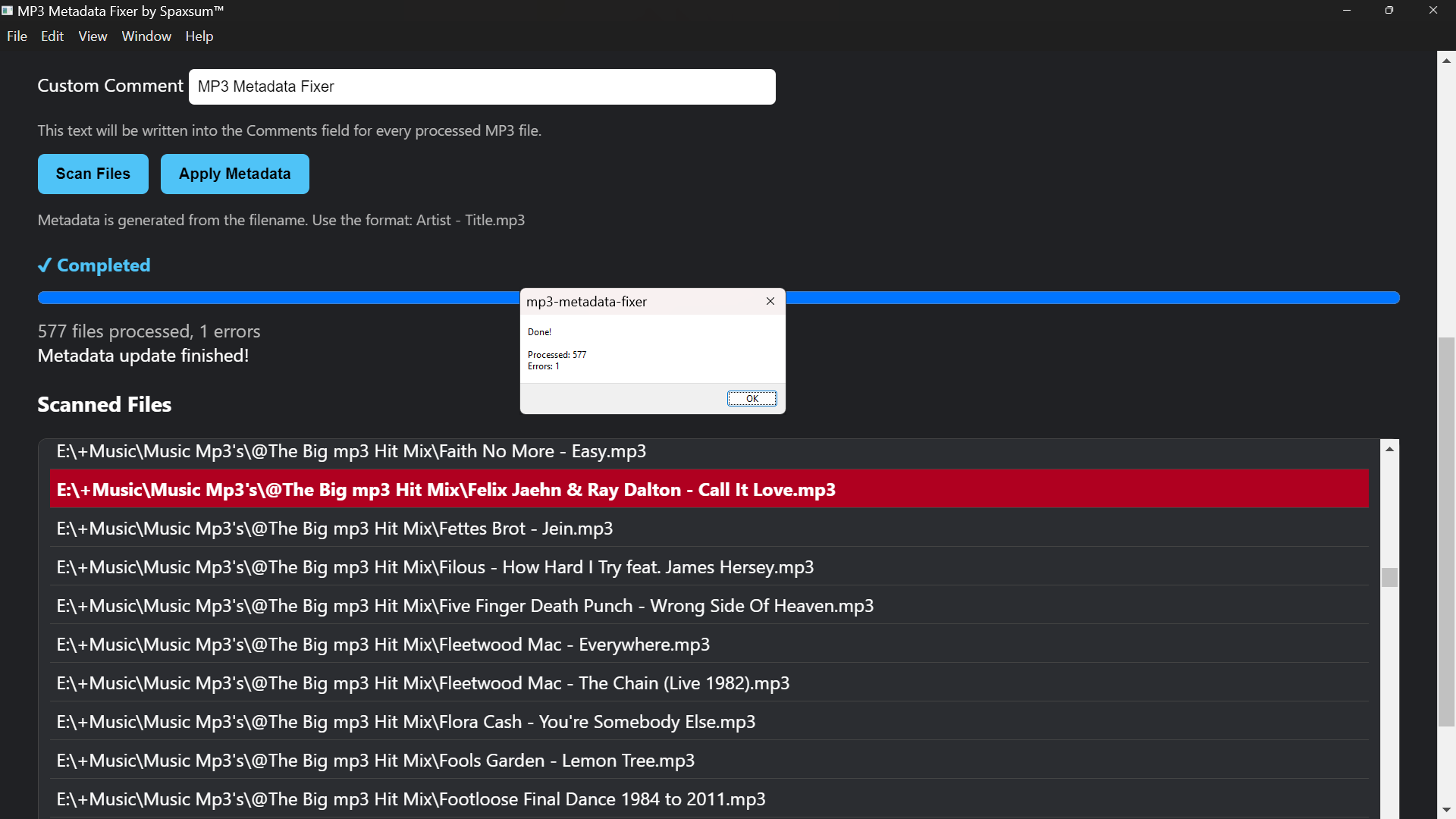
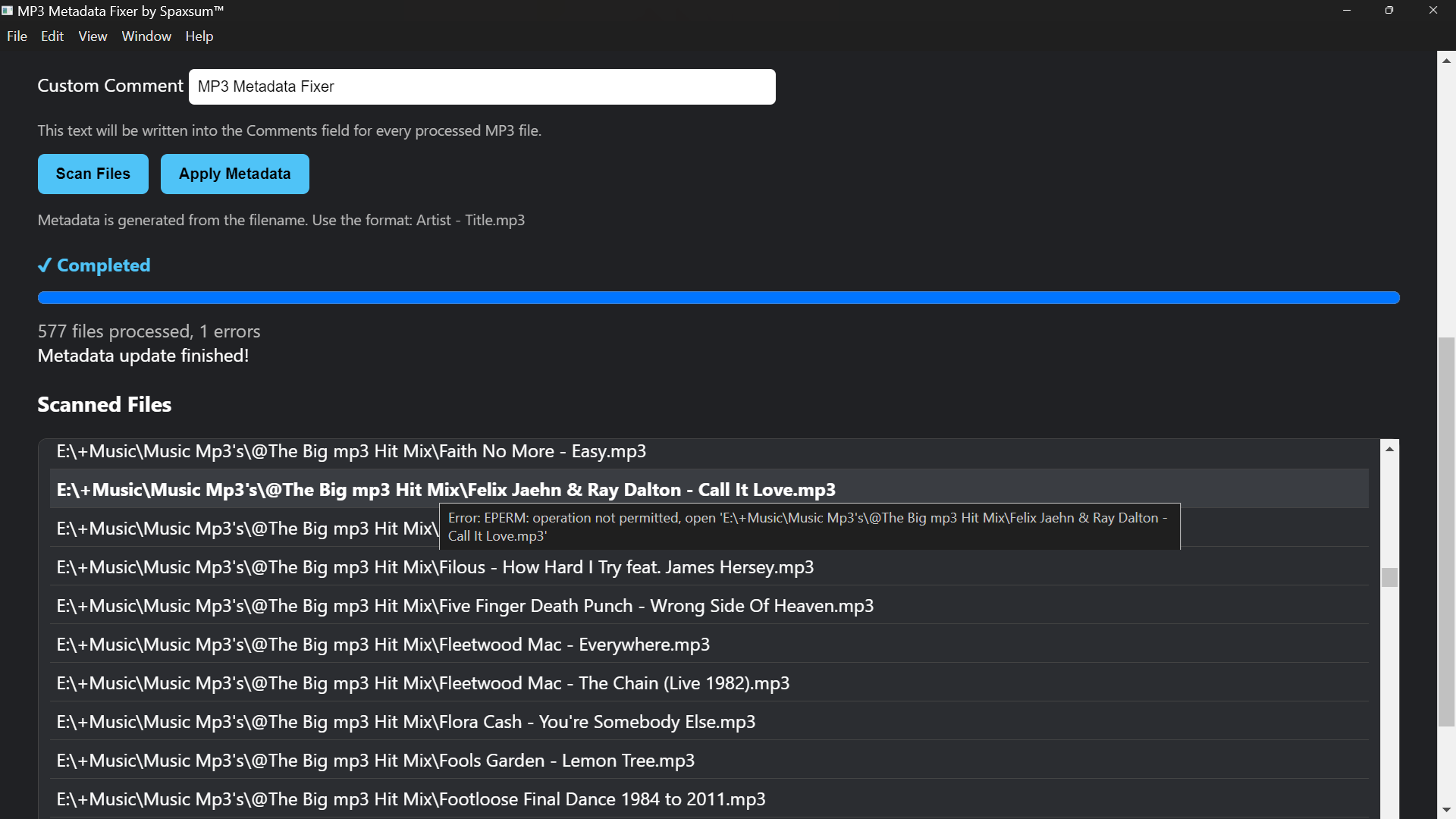
8. Review the detected MP3 files.
9. Click "Apply Metadata".
10. Wait until processing is complete.
========================================
PROGRESS DISPLAY
================
During scanning:
* Progress percentage is displayed.
* Current file name is displayed.
* Scan status is shown.
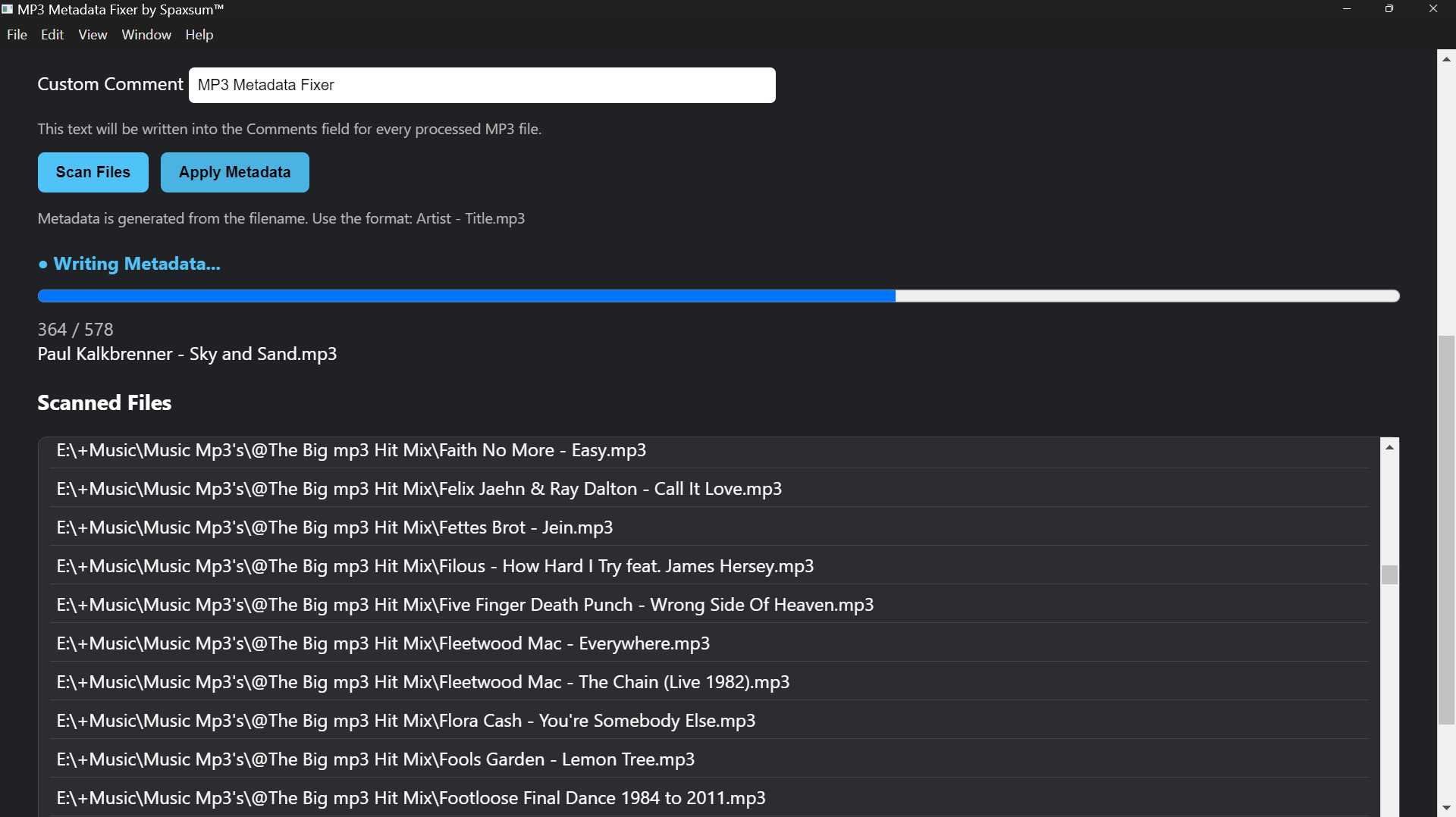
During metadata processing:
* Progress percentage is displayed.
* Current file name is displayed.
* Processed file count is displayed.
========================================
BACKUPS
=======
When "Create Temporary Backups" is enabled:
* Temporary backup files are created during processing.
* If processing completes successfully without errors, the temporary backups are automatically removed.
* If errors occur, backups remain available for recovery.
========================================
SUPPORTED FILE TYPES
====================
Currently supported:
* MP3 (.mp3)
========================================
REMOVE FILES FROM THE LIST
==========================
Need to skip a file?
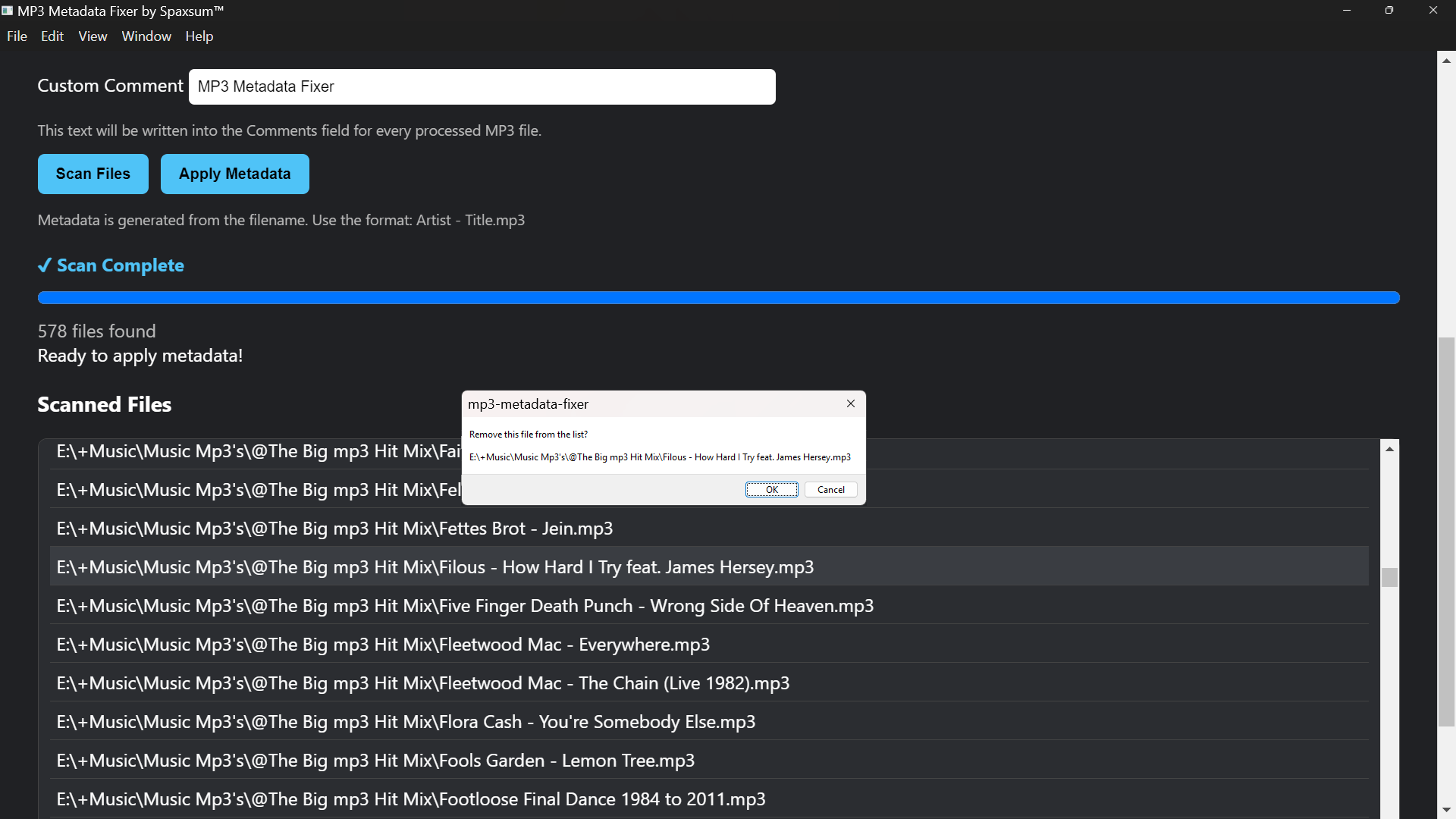
Simply click a file in the scanned results list.
The application will ask for confirmation before removing it from the processing queue.
Removed files will not receive metadata updates, allowing you to quickly exclude unwanted files before processing.
========================================
NOTES
=====
* Protected Windows system folders are automatically skipped.
* Large folders and drives may take additional time to scan.
* Existing MP3 files are updated directly.
* Always keep a backup of important music collections.
Download
Install instructions
Download and extract MP3 Metadata Fixer _1.0.0.zip or MP3 Metadata Fixer_1.0.0.rar. Install using MP3 Metadata Fixer Setup 1.0.0.exe. The program will open, and a shortcut will be placed on your desktop.
Leave a comment
Log in with itch.io to leave a comment.